

Accurate safety records matter to commercial truck drivers, owner-operators, and motor carriers. An inspection assigned to the wrong vehicle, an incorrect driver name, or incomplete crash information can create confusion during compliance reviews and employment checks. The FMCSA DataQs system provides a formal way to ask the responsible agency to review information that appears wrong.
This guide explains the FMCSA DataQs review process, the evidence to prepare, and the next steps after a decision. DataQs is a channel for reviewing eligible data; it does not automatically erase an unfavorable record or excuse a genuine violation.
What is the FMCSA DataQs system?
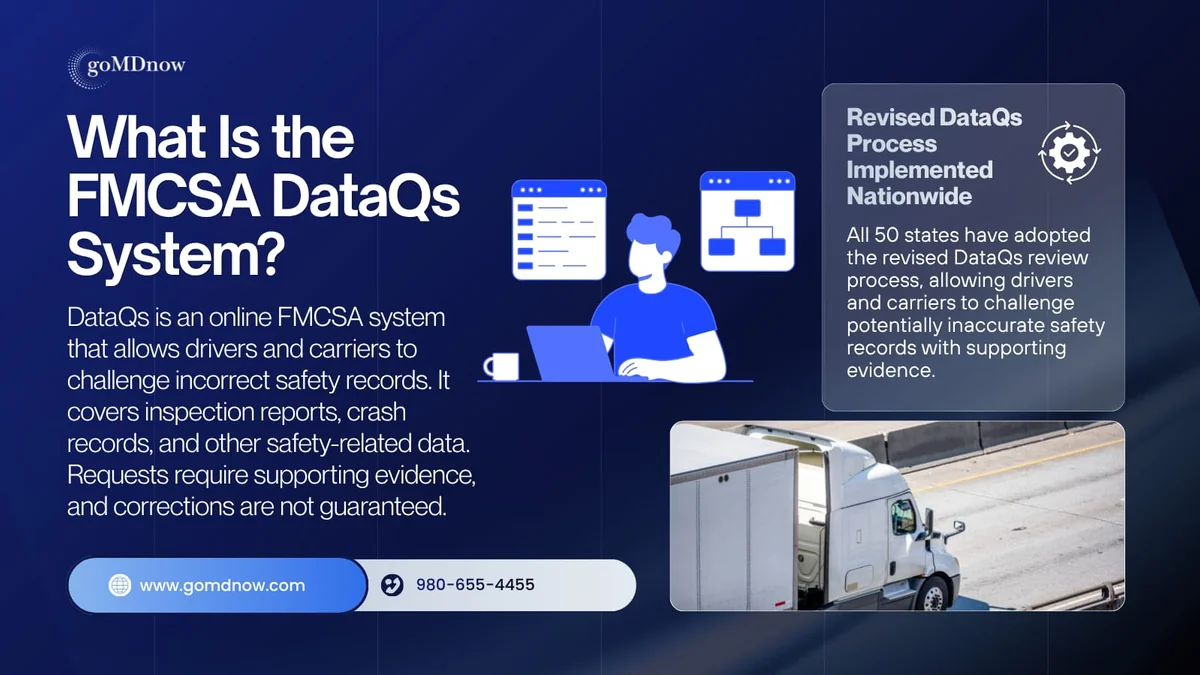
DataQs is FMCSA's online system for requesting and tracking reviews of federal and state safety information believed to be incomplete or incorrect. The request is called a Request for Data Review (RDR).
For example, a carrier may discover that an inspection has been associated with the wrong USDOT number. A driver may find an incorrect identifying detail in a crash record. In either case, the request should identify the specific record, explain the discrepancy, and include relevant evidence.
The agency responsible for the data evaluates the request. Submitting an RDR does not mean that FMCSA has agreed an error occurred or that the record changes immediately.
What changed in the revised DataQs process?
On October 16, 2026, FMCSA announced nationwide implementation of its updated review requirements across all 50 states, Washington, D.C., and U.S. territories. The framework requires independent review stages and explanations of decisions, including evidence considered and available next steps.
| Stage | Review approach | Timeline |
|---|---|---|
| Initial Review | A denial cannot be decided solely by the issuing officer. | 21 days |
| Reconsideration | Independent subject matter experts review the decision. | 21 days |
| Final Review | A senior decision-maker or independent panel reviews the case. | 45 days |
The announcement also requires states to review requests submitted within three years of an inspection and five years of a crash. These are review standards, not a promise of correction or an immediate update in every downstream system. Check the applicable state's published implementation plan and your request's status.
Why accurate trucking safety records matter
Compliance monitoring and safety assessments
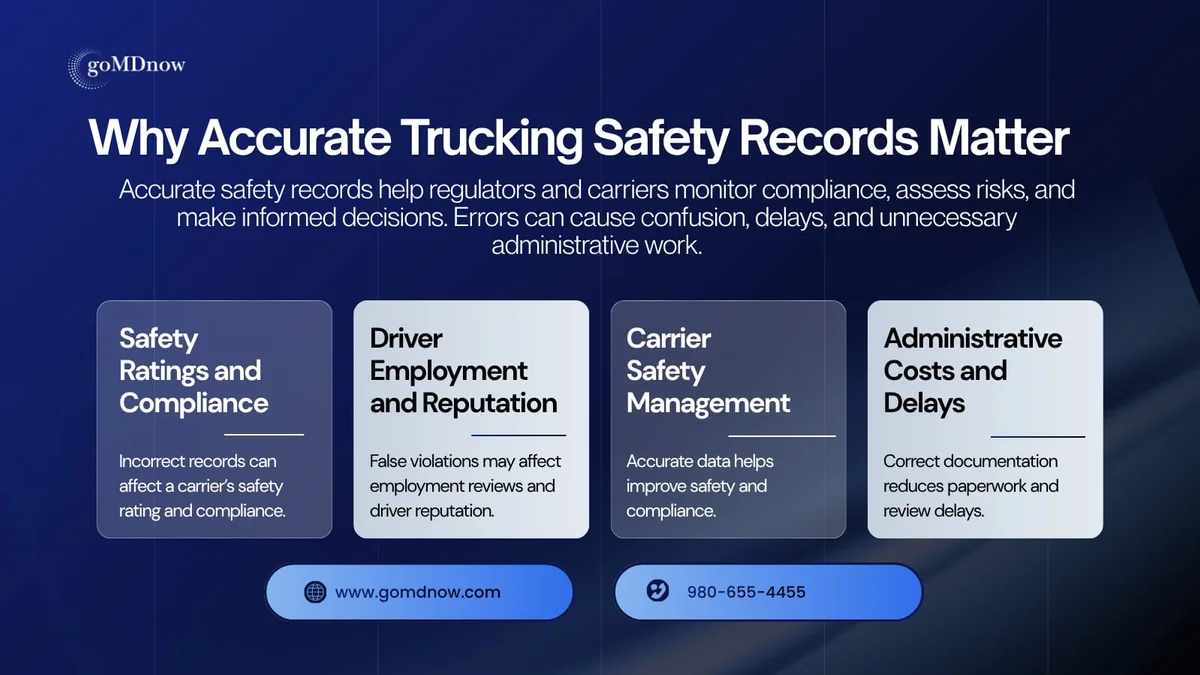
Carriers use inspection and crash information to understand their operations and respond to compliance concerns. A reporting error can make it harder to identify what actually happened. However, not every entry directly changes a formal safety rating, and a Safety Measurement System assessment should not be treated as the same thing as a safety rating.
For broader context on reviewing compliance records, see our guides to the main types of DOT audits and DOT safety audit preparation.
Driver employment and professional reputation
Drivers benefit from keeping copies of important reports and checking that identifying details are correct. An incorrectly attributed violation may lead to questions during an employer's review. Clear supporting documents make it easier to explain the issue and request an appropriate correction.
Fleet management and administrative work
Safety managers rely on records to identify recurring concerns, plan training, and track corrective action. Inaccurate data can divert time from genuine safety problems. A documented review process helps the carrier separate possible reporting errors from operational issues that need attention.
What safety information can you challenge?
Choose the request category that matches the record and the problem. Examples include:
- Inspection details: An incorrect vehicle, driver, carrier, report detail, or violation entry.
- Crash information: An event attributed to the wrong carrier or driver, or information believed to be reported incorrectly.
- Duplicate or inaccurate entries: A specific item that does not match the underlying documents.
- Other eligible records: Use the appropriate DataQs category and program instructions for the issue involved.
Disagreeing with a record is not enough by itself. Explain the factual concern and the correction you are requesting. For instance, identify the vehicle shown in the report and compare it with the registration, dispatch, or other contemporaneous documents that support your position.
A court citation and an inspection violation are different records
If a citation connected to an inspection has been resolved in court, review the DataQs option for submitting the adjudicated outcome and provide the official court documentation. Do not assume that a court result automatically updates every FMCSA record without the required review and processing.
Crash preventability has its own pathway
An accurately recorded crash may still qualify for review under the Crash Preventability Determination Program (CPDP). That program assesses eligible crash types through DataQs and requires a police accident report and supporting evidence.
A Not Preventable finding does not mean the crash never occurred or that it disappears from every record. FMCSA excludes qualifying Not Preventable crashes from the SMS Crash Indicator BASIC calculation and notes the determination in PSP. Read the program's eligibility rules before choosing this request type.
How to submit a DataQs Request for Data Review
Step 1: Identify the exact error
Start with the relevant inspection, crash, or other report. Check the date, report number, carrier information, vehicle details, driver identification, and the description of the disputed item. Write down precisely what you believe is wrong.
A useful explanation focuses on the record: “The report identifies vehicle A, but the attached documents identify vehicle B.” A general statement that a result is unfair gives the reviewer much less information to work with.
Step 2: Gather readable supporting documents
Collect the records that support the specific discrepancy. Depending on the issue, these might include inspection reports, photographs, a police accident report, dispatch records, maintenance documents, or official court records.
Keep the original files and submit clear, relevant copies. Organize attachments so the reviewer can connect each document to your explanation. A repair completed after an inspection does not by itself prove that a recorded defect was absent when the inspection occurred.
Step 3: Sign in through the correct access route
The official DataQs Help Center distinguishes access by role: drivers and public/industry users sign in through Login.gov, while motor carriers and FMCSA/state partners access DataQs through the FMCSA Portal. Follow the current instructions for your account type.
Step 4: Submit the appropriate request
Start an RDR, choose the category that fits the issue, and locate the record when prompted. Enter the requested identifying information, explain the error concisely, and attach the supporting documents. Review everything before submitting and retain the request confirmation.
Make the requested correction explicit. The reviewer should be able to understand what happened, which entry is disputed, and why the evidence supports a change.
Step 5: Monitor progress and respond
Check the request's status and any messages from the reviewing agency. Respond promptly if additional information is requested. Keep copies of your submission, attachments, correspondence, and decision.
A submission acknowledgement is not an approval. Continue meeting applicable compliance obligations while the request is under review.
Step 6: Review the decision and any further-review options
Read the explanation carefully. If the matter remains unresolved, follow the available Reconsideration or Final Review instructions. The Help Center directs users to “Re-open Request” under “Take Action.” Entirely new relevant evidence can route the matter back to Initial Review. CPDP requests and Clearinghouse petitions follow their own program procedures.
After an approved correction, allow for the relevant system's update cycle. SMS and PSP updates are monthly, so an RDR decision and a visible report change may occur at different times.
Common DataQs mistakes to avoid
- An unclear explanation: Identify the exact entry and requested correction.
- Missing evidence: Provide documents that address the issue rather than an unsupported complaint.
- Incorrect report details: Recheck dates, report numbers, vehicle information, and identifiers.
- Unrelated attachments: Make the relevant facts easy to find.
- Assuming approval: DataQs is a review process, not a guaranteed record-removal service.
- Ignoring an accurate violation: Address the underlying safety concern through appropriate training and corrective action.
Build a practical safety-record review routine
Assign someone to review new inspection and crash reports, retain the supporting documents securely, and track possible discrepancies. A simple log can record the report number, issue identified, supporting evidence, RDR reference, next action, and final outcome.
Driver onboarding should explain where to send inspection paperwork and how to report a suspected error. Periodic reviews help prevent concerns from being forgotten while staff change or drivers move between assignments.
Reviewing records complements a broader safety program. Our DOT compliance course for small fleets and FMCSA audit preparation training can help carriers organize their compliance responsibilities. New businesses can also explore new entrant DOT compliance training.
How goMDnow supports trucking compliance
goMDnow provides DOT and non-DOT drug and alcohol testing services and related education. Eligible owner-operators can explore random testing consortium enrollment, and employers can find courses in the goMDnow Training Academy.
DataQs reviews are handled by the responsible government agency. Testing services and training do not replace that review, guarantee corrections, or eliminate a carrier's responsibility to comply with applicable rules. Use the official DataQs system for the disputed record and the appropriate compliance resources for your ongoing program.
Frequently asked questions
What does an RDR mean in FMCSA DataQs?
RDR means Request for Data Review. It asks the responsible agency to review a specific record believed to contain incomplete or incorrect information.
Have all 50 states implemented the revised process?
Yes. FMCSA's October 16, 2026 announcement confirmed nationwide implementation, also covering Washington, D.C., and U.S. territories.
Does a DataQs request guarantee a violation will be removed?
No. The outcome depends on the record, the evidence, and the applicable review requirements. A legitimate violation may remain.
What should I attach to a request?
Include readable documents supporting the specific discrepancy, such as inspection reports, photographs, official crash documents, or court records. Follow any additional requirements for the request category.
Is a crash-preventability review the same as correcting a factual error?
No. CPDP assesses whether an eligible crash was preventable. A factual correction request addresses information that was recorded incorrectly. Both use DataQs, but their criteria and review paths differ.
Prepared October 29, 2026. Check the linked FMCSA guidance and applicable state implementation plan for current procedures.